
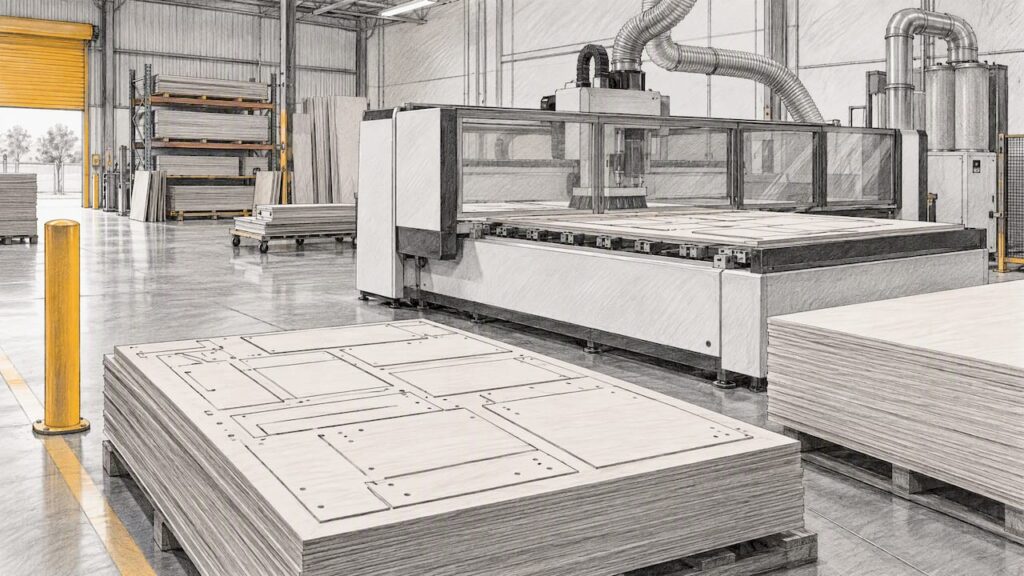
A CNC nesting machine’s production capacity is the number of finished parts or sheets it delivers per shift under normal working conditions, not the speed printed on a brochure. That figure depends on cutting time, tool changes, loading and unloading, sheet yield and how your shop is run. This guide shows how to work out the capacity you need, what moves it, and what to ask a supplier before you buy.
TL;DR
- Capacity is output over time under normal conditions. Rapid traverse and maximum feed rate are inputs to it, not the answer.
- Real utilisation of CNC equipment is commonly reported as rarely above 80%, because of changeovers, maintenance and idle time.
- Loading, unloading, labelling, sorting and downstream edgebanding often limit a nesting cell before the router does.
- Size capacity from your own demand forecast and sheet mix, then test it against a realistic utilisation figure, not 100%.
- Ask for the exact model and configuration when comparing capacity. Auto loading, extra drilling or tool capacity belong to specific configurations only.
Table of Contents
- What production capacity means for a nesting machine
- Cutting speed is not production speed
- What moves production capacity in a woodworking shop
- A worked example of estimating your own capacity
- How to work out the capacity you need
- Capacity versus cost per sheet
- Keep applications distinct
- What to ask a supplier about capacity
- Talk to us about nesting for your shop
- FAQ
- Sources
What production capacity means for a nesting machine
In operations management, production capacity is the maximum output a facility can produce over a given period under normal working conditions. Two words matter there: normal and over a period. A router that cuts one sheet in a flawless demonstration has not shown you capacity. A cell that cuts, unloads and sorts 8 hours of mixed kitchen jobs has.
For a cabinet or joinery shop, it helps to state capacity in three ways:
- Sheets per shift. Easy to count and easy to compare with your saw. Misleading when sheets are nested with very different numbers of parts.
- Parts per shift. Closer to what the downstream stations feel. A kitchen job can be 60 parts per sheet or 12, and the machine’s work differs a lot.
- Finished kitchens or cabinet carcasses per week. The number your sales team actually cares about. It includes every station after the nesting machine.
A fourth measure sits beside these: yield. Material utilisation, sometimes called nesting efficiency or sheet yield, is the total area of finished parts divided by the total sheet area consumed, multiplied by 100. Higher yield means fewer sheets for the same parts, which lifts capacity in parts per sheet and cuts material cost at the same time. Our guide to nested based manufacturing for cabinet shops covers the yield side in more depth.
Cutting speed is not production speed
Readers often ask what cutting speed a nesting machine can reach. The honest answer is that there are two different speeds, and only one of them is a machine specification.
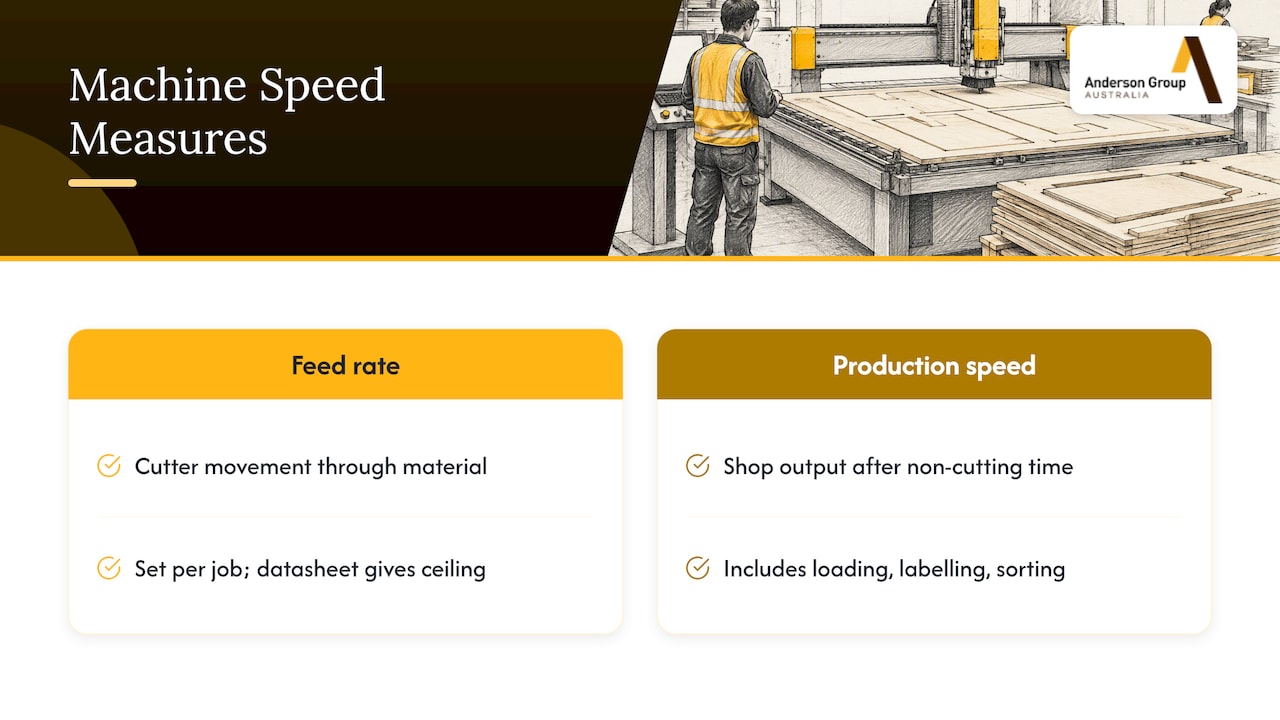
Feed rate is how fast the cutter moves through the material. An Australian cutter supplier explains that feed rate is the number of flutes multiplied by chip load and spindle rpm. It also notes the achievable rate depends on machine rigidity, hold-down, spindle power, the cutter, depth of cut and the material, and suggests starting at about half the calculated rate and working up toward what the machine and the edge finish allow. In other words, feed is set per job, and the number on a datasheet is a ceiling.
Production speed is what the shop gets after everything that is not cutting. Cycle-time analysis splits a job into cutting, tool changes and rapid or idle movement, and the non-cutting portions are where hidden time usually sits. Add sheet loading, vacuum hold-down, unloading, labelling and sorting, and the gap between maximum feed and real output widens.
The practical point: if two machines both advertise high feed rates, the one that wastes less time between cuts will usually deliver more finished parts. That is why a 20% faster rated feed rarely means 20% more output.
Where the time goes on a typical sheet
The split below is a way to think about a sheet, not a measurement of any Anderson machine.
| Stage | What happens | What shortens it |
|---|---|---|
| Load | Sheet lifted onto the bed and located | Auto loading, lift tables, trained operators |
| Cut | Profiling, pockets, grooves, drilling | Sound nesting layout, correct feed for the cutter and material |
| Tool change | Swapping cutters or drills | Tool magazine suited to the job mix, fewer tool types per job |
| Unload | Parts removed from the bed and offcuts cleared | Auto unloading, clear offload area, staff available |
| Label and sort | Parts identified and moved to edgebanding or assembly | Labelling at the machine, a defined sorting process |
What moves production capacity in a woodworking shop
The factors below apply to nesting in sheet materials such as melamine, MDF and plywood. Which options a given machine offers varies by model, so confirm each against the product page and the supplier.
Utilisation and changeovers
One benchmarking article reports that real-world utilisation of CNC equipment rarely exceeds 80% because of changeovers, maintenance and idle time. That is a general industry observation, not a figure for any specific machine, but it is a sensible planning guard. If your plan needs the machine to run flat out at 100%, it is undersized.
Handling method
A manual-load machine ties an operator to the bed. A machine with automated loading and unloading frees that person, and can run through breaks if the process allows it. For the step up from a single manual cell to a line, see our article on fully automated CNC nesting production lines for cabinet shops. Automation helps most when the machine is not the only bottleneck, so check the stations either side first.
Tooling and tool changes
Every tool change is time without cutting. A job that needs a compression cutter, a drill and a grooving tool will spend more time changing than one using a single profile cutter. Tool capacity, spindle configuration and any integrated drilling are specific to each model, so we do not assume them from a family name. Ask for the exact configuration you are quoting.
Programming and job preparation
If the machine waits for files, capacity is lost before a sheet is loaded. Software that nests automatically, sequences cuts and outputs labels shortens preparation. Our guide on how to increase CNC nesting productivity walks through the shop-floor habits that make the biggest difference.
Material mix and part sizes
Small parts take more cutting passes per square metre than large panels, and they are harder to hold down. A shop that cuts mostly large carcass panels and one that cuts many small drawer parts will see different throughput from the same machine. Test your own part mix, not a generic one.
Uptime, maintenance and spares
A machine that is down produces nothing. Spoilboard resurfacing, dust extraction cleaning, lubrication and consumable changes all need planned time. Our piece on how to improve CNC uptime covers how to schedule that work. Ask any supplier what service and parts support is documented for your location, and confirm the agreed scope in writing rather than assuming it.
Downstream stations
Nesting machines often cut faster than edgebanding, assembly or hardware fitting can absorb. If your edgebander is already running at its limit, a faster router only builds a pile of parts. Look at the whole flow before you look at the router.
A worked example of estimating your own capacity
The numbers below are illustrative inputs for explaining the method. They are not Anderson machine data, and your own figures will differ.
Say a shop plans to cut kitchens from 2440 x 1220 mm sheets. One sheet is 2.98 m² of board. Suppose you assume the following:
- Average cut time per sheet, including tool changes: 12 minutes
- Load and unload time per sheet if done manually, not overlapped with cutting: 3 minutes
- Productive shift length: 7.5 hours (450 minutes)
- Planning utilisation: 75%
Each sheet then occupies the machine for 15 minutes. At 75% utilisation the machine has 337.5 productive minutes per shift, which gives about 22 sheets per shift (337.5 divided by 15 is 22.5, rounded down). If the shop’s average yield is 85%, those 22 sheets carry about 55.7 m² of finished parts (22 x 2.98 x 0.85).
Now change one input. If automated loading overlaps the 3 minutes of handling with cutting, each sheet occupies the machine for 12 minutes, and the same 337.5 minutes yields 28 sheets. The cutting speed has not changed at all. The capacity has risen by about a quarter because handling stopped blocking the machine.
That is the pattern to look for when you compare quotes: the biggest gains often come from removing non-cutting time, and whether that is available depends on the configuration.
How to work out the capacity you need
Start with demand, not with machines. Capacity planning looks at a short- and medium-term demand forecast, machine production time, changeover, tooling, maintenance and downtime, materials and the availability and skills of people, then compares plans against demand within the organisation’s constraints. For a cabinet shop that translates into a few steps:
- Forecast. Estimate sheets or kitchens per week across the next 12 to 24 months, including peak months. Include growth only if you can support it with orders.
- Convert to sheets and parts. Use your last 20 or so jobs to find the average sheets per kitchen and parts per sheet.
- Time one sheet honestly. Include loading, cutting, tool changes, unloading and labelling, using the example above as a template.
- Apply a planning utilisation. Use a figure below 100% to allow for changeovers, maintenance and idle time.
- Map every stage. An Australian consultancy describes mapping each process stage’s rated capacity and constraints, then reporting throughput, utilisation and runtime hours to find bottlenecks. Do this for sawing or nesting, edgebanding, drilling, assembly and packing. Teams that want structured methods for mapping process-stage constraints can build on the same approach.
- Compare to the gap. If the nesting stage is at or above its planning utilisation at forecast demand, you need more capacity or less non-cutting time. If another stage is, fix that first.
Our cabinet production workflow guide shows how a nesting-first workflow changes where the constraints sit for a small shop.
Capacity versus cost per sheet
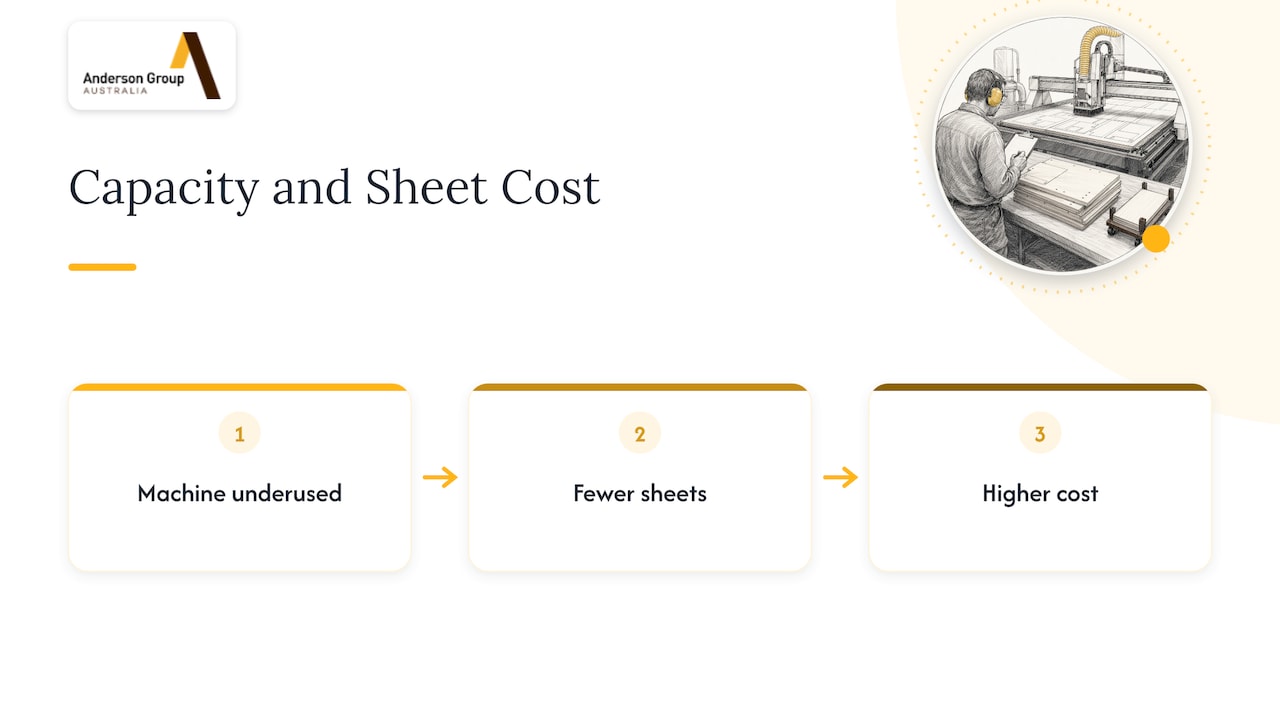
Capacity and cost are two sides of the same calculation. A machine that is underused carries its fixed costs across fewer sheets, so each sheet costs more. Before you commit, read our article on CNC lifecycle cost modelling, which covers setup and running costs beyond the purchase price, and the guide to reducing CNC waste for the material side. We do not publish prices, savings or ROI figures for our machines in this article. Those depend on your application, so we quote them for your own production.
Keep applications distinct
Much confusion about capacity comes from comparing machines that do different jobs. In the Anderson woodworking range, the models serve different purposes:
- ATS is a nesting, routing and drilling machine.
- AFS machines are edgebanders.
- ADM is a six-sided drilling and routing machine.
- ARS is a panel return system.
A nesting cell’s capacity is only part of a flow. If your bottleneck is edgebanding or hardware drilling, a different machine type may raise output more than a larger router. Where drilling is the limiting step, our comparison of CNC drilling against manual drilling for cabinet shops is a good starting point.
Metal and aluminium milling is a separate topic. Capacity there is measured by metal removal, setups and cycle time, not by sheets, and it belongs to our metal machinery range, which is a separate product line from the wood machinery.
What to ask a supplier about capacity
Take this list to any supplier, including us:
- Which exact model and configuration is the quote for, and which capacity-related options (loading, unloading, tool capacity, drilling) are included in it?
- What sheet sizes and thicknesses does the quoted configuration handle?
- What does the supplier document about installation and operator training? We cover what to expect in installation and operator training for nesting machines in Australia.
- What service, parts and support scope applies to your location, and where is it written down?
- Which numbers are published specifications, and which are general estimates? Treat any throughput claim without stated conditions with caution.
- Can the supplier discuss your actual part mix, not a demonstration file?
We separate documented facts from general guidance. Specifications come from the relevant product page, and where a feature is not documented for a model we say so rather than guess.
Talk to us about nesting for your shop
Anderson Group Australia supplies CNC machinery, servicing and parts to Australian manufacturers, with kitchen, cabinet, joinery and furniture makers as our main customers. Our wood machinery range includes nesting and panel-processing machines, and we help you match a model and configuration to your own production. We do not offer subcontract cutting, so everything here is about equipping your factory.
Bring your forecast sheets per week, your typical part mix and your current bottleneck, and we will talk through which configuration fits. You can also start from our wood CNC and nesting machines overview and request a quote from there.
FAQ
How many sheets can a CNC nesting machine cut per shift?
It depends on cut time per sheet, handling method, tool changes and the utilisation you plan for. As the worked example above shows, the same machine can move from about 22 to about 28 sheets per shift when handling overlaps with cutting, using illustrative inputs. Measure your own sheet mix before you rely on any figure.
Is a higher feed rate the same as higher production capacity?
No. Feed rate is set by the cutter, material, rigidity and finish required, and it only affects the cutting portion of the cycle. Loading, unloading, tool changes and sorting often take as much of the shift.
What utilisation should I plan for?
Plan below 100%. One benchmarking source reports that real utilisation rarely exceeds 80% once changeovers, maintenance and idle time are counted. Your own shift records will give a better number after a few months of running.
Will automated loading always increase output?
Only if the machine is your bottleneck. If edgebanding, drilling or assembly is already the limit, the extra parts simply wait. Map each stage first, then decide which configuration is worth the investment.
Do you publish capacity figures for each Anderson machine?
We publish verified specifications on each product page and avoid unqualified throughput claims. For a capacity estimate based on your application, contact us with your job mix and we will discuss the exact model and configuration.
Sources
- Operations planning and control, University of Guelph
- Material utilization glossary, Lapas
- CNC machine benchmark testing, Dobemy
- Calculating speeds and feeds, CNC Router Bits Australia
- Capacity requirement planning guide, CIPS
- Manufacturing capacity planning, Parity Analytic