
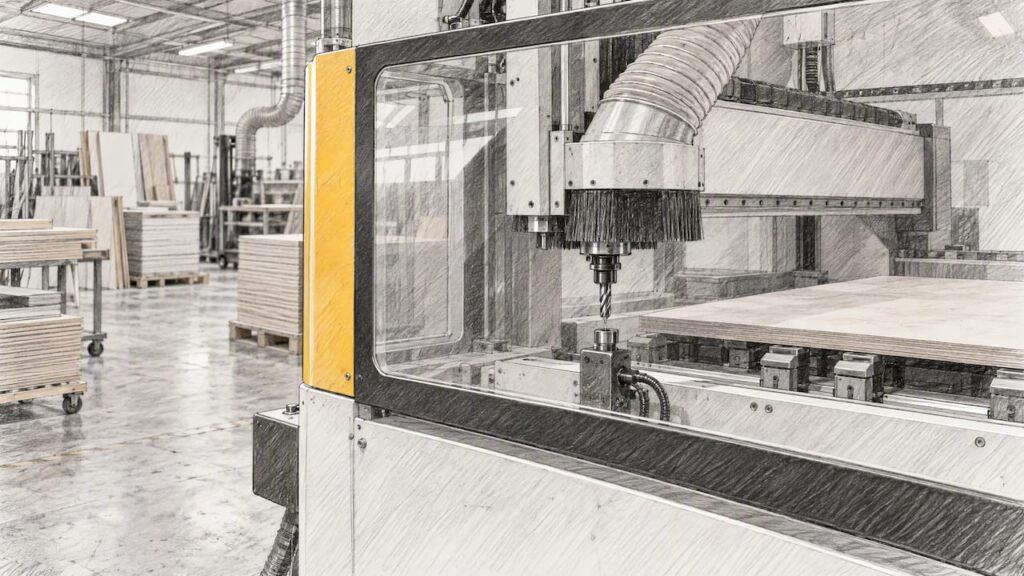
Broken tool detection is any method that tells a CNC machine, or its operator, that a cutter has snapped, chipped or gone missing before the next part is cut. There are two main approaches: measuring the tool directly with a contact probe or laser, and watching the cut itself through spindle load or vibration. Which one suits you depends on what you cut, how long your cycles run and whether anyone is standing at the machine.
This guide is for Australian kitchen, cabinet, joinery and furniture manufacturers choosing or running CNC routers and nesting machines. It also covers metal machining centres briefly, because the logic changes once coolant and long unattended cycles enter the picture.
TL;DR
- Detection falls into two groups: direct measurement of the tool (contact probe or laser) and process monitoring (spindle load or vibration). Each catches different failures.
- On panel work, one snapped bit can ruin a whole sheet, so checking between phases of a program matters more than checking only at the start.
- Detection is not a substitute for guarding and a daily pre-start check. If you list it as a risk control, keep records that show it is tested.
- Do not assume any machine has a detection option from its family name or axis count. Confirm the exact model and configuration in writing.
- Wood nesting dust extraction and metal coolant are separate topics and need separate compatibility checks.
Table of Contents
- What broken tool detection actually does
- The two families of detection
- Why panel and nesting work needs checks between phases
- Cues you can log without any sensor
- Detection, safety and your compliance file
- Wood versus metal: keep the two apart
- How to specify detection when you buy a machine
- Using detection data to find the cause
- Talk to us about your application
- FAQ
- Sources
What broken tool detection actually does
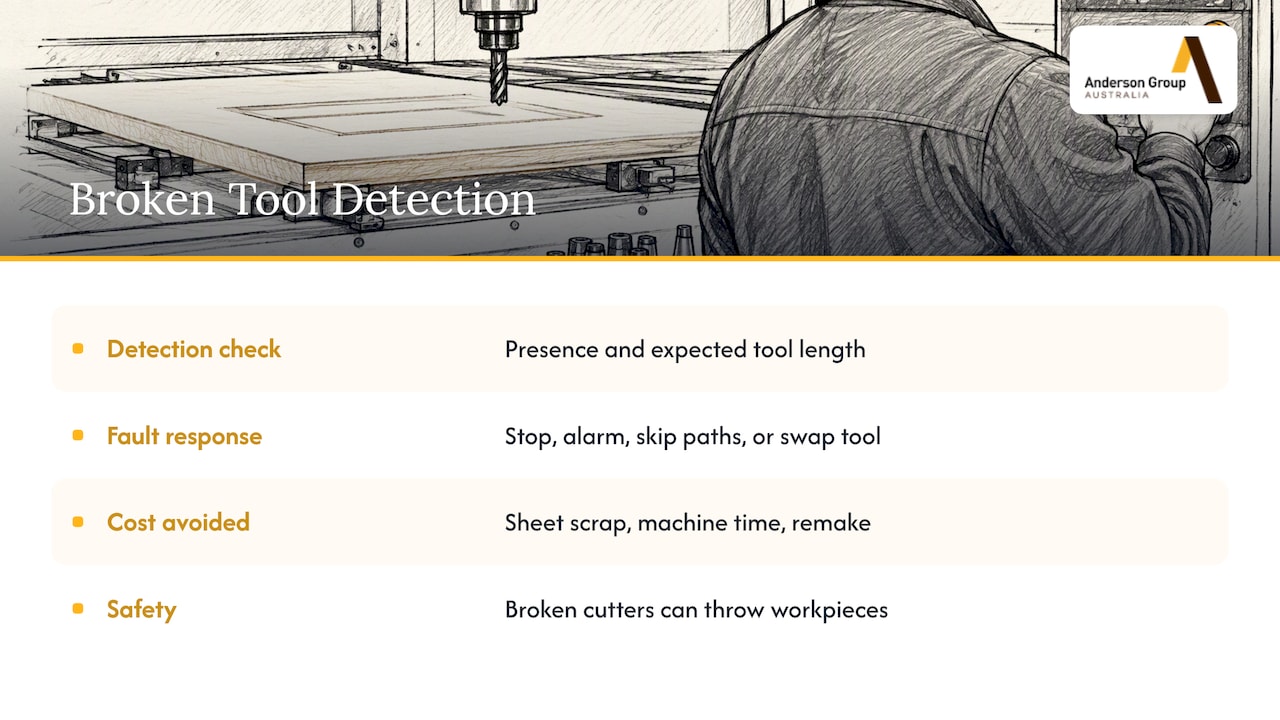
A detector answers one question at a set moment: is the cutter I expect still there, at the length I expect? If the answer is no, the control stops the cycle, raises an alarm, skips the affected toolpaths or swaps in a sister tool, depending on how it has been set up.
The cost it avoids is rarely the cutter. A router bit is cheap next to a melamine or veneered sheet, the lost machine time and the remake. Marposs, a maker of in-machine measuring equipment, describes the scrap caused by broken, worn or wrongly measured tools as a familiar problem on woodworking machines, where operators often have no instrument to catch it.
There is also a safety side. SafeWork NSW’s guidance on routers and CNC routers identifies blunt or broken cutters among the hazards that can lead to a workpiece being thrown. That makes cutter condition a workplace health and safety matter, not only a quality one.
The two families of detection
Direct measurement: probes and lasers
Contact systems touch the tool against a sensor. Laser systems pass a beam across the tool path and check whether the tool interrupts it. Renishaw, for example, describes its NC4 laser tool setter as capable of both tool setting and tool breakage detection, including on very small tools. That is a manufacturer’s specification for that product, not a general rule for every laser.
Strengths:
- It confirms the actual tool length and, on many systems, diameter, so it also catches wear and wrong tool loading.
- It gives a clear yes or no at a known point in the program.
- It can update the tool table so the control knows which tool is the problem.
Limits:
- It only checks when the program tells it to. A tool that breaks mid-cut is found at the next check, not the moment it fails.
- It adds a measuring move to each check, which costs a few seconds per tool.
- On a nesting table with heavy dust, any optical or contact device needs protection and regular cleaning. How a given machine handles that is a question for the supplier.
Process monitoring: spindle load and vibration
Process systems watch the machine while it cuts. A snapped tool usually changes the spindle load abruptly, so the control compares the live signal with a learned pattern. Research on this approach is long-standing: one IEEE paper on detecting breakage from spindle motor load signals proposes detecting a fracture state from load alone, and reports applying the method at a manufacturing site.
Strengths:
- It reacts during the cut, not at the next scheduled check.
- It needs no extra move, so it does not lengthen the cycle.
- The same data can show whether breakage is random or linked to feeds, speeds or a worn tool.
Limits:
- Small tools produce small load changes. A fine drill in sheet material may not move the signal enough to trigger an alarm.
- It needs a baseline and sensible thresholds. Set too tight, it gives false stops. Set too loose, it misses real breaks.
- It shows that something changed, not which tool is where.
Side by side
| Direct measurement (probe or laser) | Process monitoring (load or vibration) | |
|---|---|---|
| When it checks | At set points in the program | Continuously during the cut |
| What it tells you | Tool present, length, often wear | Load anomaly, possible break or overload |
| Small tools | Depends on the device’s documented minimum | Often weak signal |
| Cycle time | Adds a measuring move | None added |
| Best for | Tool changes, phase boundaries, tool tables | Long cuts, unattended runs, trend data |
| Main risk | Contamination, missed mid-cut breaks | Bad thresholds, false alarms |
Many shops that run unattended end up using both: measurement at tool changes and monitoring for everything in between. That is general guidance, not a claim about any particular machine.
Why panel and nesting work needs checks between phases
A kitchen nesting job cuts dozens of parts from one sheet. Typical sequences drill first, then cut internal profiles, then cut the outside contours. If a compression bit snaps during the internal profiles and the program carries on, every later part on that sheet is suspect, and the sheet can be lost.
Checking only at the start of a program does not protect against that. Checking at tool changes and between operation groups does. Marposs makes the same point about verifying between phases so that one failure does not carry through the whole job, and about updating tool data after detection so the control knows what is missing.
Practical questions for your own programs:
- Where in the sequence is the highest-value cut? Put a check before it.
- Which tools are small or fragile enough that load monitoring would not see them break? Check those directly.
- What should the machine do on a fault: stop, skip that tool’s paths, or call a sister tool? Decide before you buy, because it depends on the control and the configuration.
If you want the data side, our guide to tool life monitoring from controller data covers how tool-hour counts can retire cutters before they break. For the wider picture of waste, see our shop floor playbook on reducing CNC waste.
Cues you can log without any sensor
A sensor is one layer. Experienced operators also notice changes in spindle sound, finish quality, dust pattern and, on vacuum tables, hold-down pressure. A drop in vacuum reading can mean a part or sheet has shifted, which raises the chance of a cutter catching and snapping. Treat these as general shop practice rather than a documented test: they are worth writing into your pre-start routine because they cost nothing.
The competency unit FWPCOT3235, Machine material using CNC machining and processing centres, is the national training reference for operating this type of equipment, and it is a sensible benchmark when you write operator induction material. For a model of how to structure a routine, safety inspections step by step shows the kind of checklist discipline that works for any machine.
A workable pre-start list for a CNC router or nesting machine:
- Inspect each cutter in the tool holders for chips, wear and build-up.
- Confirm collets and nuts are clean and tight.
- Check the tool table matches what is physically loaded.
- Test any detection device by the method the supplier documents, and record the result.
- Check vacuum level and spoilboard condition before loading.
Detection, safety and your compliance file
In Australia, a person conducting a business or undertaking has duties under the WHS laws, and machine guarding sits under those duties. Our guide on AS/NZS 4024 for CNCs explains the difference between the technical standard and the legal outcome. The practical takeaway: if you rely on a detection system as one of your risk controls, it belongs in your risk assessment and your safe work procedures, and your records should show it is tested on a schedule.
What detection does not do:
- It does not replace guarding or interlocks.
- It does not stop a tool that breaks and throws fragments in the first fraction of a second.
- It does not remove the need for a person to inspect cutters.
Whether your state or territory regulator expects specific documentation for a given control is a question for your WHS adviser and the regulator’s own guidance, such as the WorkSafe WA guidance note on woodworking machinery. Do not take a blanket rule from a blog.
Wood versus metal: keep the two apart
On a wood nesting router, the working environment is dust, and extraction is the support system. On a metal machining centre, it is chips and liquid coolant. These change what detection hardware can survive and what compatibility you need to check.
- Woodworking and nesting: Dust extraction and tool detection are separate matters. Never assume extraction capacity or a detection fitment from a machine’s name. Ask for the exact model and configuration.
- Metal and aluminium milling: Coolant, chip clearance and often long unattended cycles make direct measurement and spindle monitoring both relevant. Our metal machinery range covers the Focaseiki machining centres. Whether any model offers a laser, probe, high-pressure coolant or through-spindle coolant depends on the exact model and configuration, and must be confirmed before you order.
This article does not state that any specific Anderson or Focaseiki model includes broken tool detection, because we only publish capabilities that are confirmed on the relevant product page.
How to specify detection when you buy a machine
Write these questions into your enquiry. They apply to any supplier.
- Which method is offered? Contact probe, laser, spindle load monitoring, vibration, or a combination.
- Is it standard or optional on this exact model? Do not accept an answer based on the model family.
- What is the smallest tool it detects reliably? Ask for the documented figure from the device maker, not an estimate.
- What does the control do on a fault? Stop, skip, alarm only, or change to a sister tool.
- How does it cope with dust or coolant? Ask for the maker’s guidance on protection and cleaning.
- Can it be added later? Retrofit availability is specific to the machine and control. Get it in writing.
- Who tests and services it? Ask for the agreed service scope rather than assuming one.
- What documentation comes with it? You need it for your operator training and your records.
If you are comparing machines for panel work, our post on beam saws versus sliding table saws covers a different decision in the same workflow, and our CNC machine monitoring guide covers the data you can collect once a machine is running.
Using detection data to find the cause
The best use of detection is not only stopping a crash. Each event is a data point. Techna-Tool, a tool monitoring supplier, frames tool monitoring as part of production monitoring: once you log downtime and quality data you can see whether breakages are random or tied to a particular job, tool or setting.
A simple log that helps:
- Date, machine, program and tool number.
- Material and sheet batch.
- Hours on the tool at failure.
- Feed and speed used.
- What the detection system reported, and whether it matched what you found.
After a month or two, patterns show up: a tool that always fails near a certain hour count, or a material batch that is harder on cutters. Change one variable at a time and note the result. For a structured approach to recovering time, see our guide on improving CNC uptime.
Talk to us about your application
We supply CNC machinery, servicing and parts to Australian manufacturers, with a primary focus on kitchen, cabinet, joinery and furniture makers. If you are choosing a nesting or panel-processing machine, start with our wood machinery range, then tell us what you cut, your sheet volumes and whether the machine runs unattended. We will help match the machine to your production and confirm, against the product page, what is and is not documented for the exact model. For metal and aluminium work, the machining centre range is the place to begin. We sell machinery, service and parts, not subcontract cutting or machining.
FAQ
Is a spindle load monitor enough on its own?
It can catch a large tool breaking mid-cut, but small tools may not change the load enough to trigger it. Many shops add direct measurement at tool changes for fragile tools. Confirm what your exact machine supports.
Does broken tool detection count as a safety device?
It protects the workpiece and the machine, and a broken cutter is a recognised hazard on routers. It does not replace guarding or interlocks. If you list it as a control in your risk assessment, keep records that it is tested, and check requirements with your WHS adviser.
Can I add detection to an existing CNC router later?
Sometimes, but it depends on the control, the machine layout and the device. Do not assume it from the machine family. Ask the supplier to confirm retrofit availability for your exact model in writing.
Does the same system work for wood and metal?
Not necessarily. Dust on a nesting table and coolant on a machining centre place different demands on sensors. Ask for a recommendation matched to the material and the exact configuration.
Sources
- SafeWork NSW: Routers, CNC routers and spindle moulders hazard identification
- Marposs: Tool setting and geometric checking on woodworking machines
- Renishaw NC4 laser tool setter, Cutting Tool Engineering
- IEEE: A tool breakage detection system using load signals of spindle motors in CNC machines
- Techna-Tool: Techna-Check tool and production monitoring
- National Training Register: FWPCOT3235
- WorkSafe WA: Safe use of woodworking machinery (guarding)